Anti-spam you can tune
Flooding, repeats, mass mentions, cross-posting, first-message links and fresh accounts, scored and then logged, deleted, timed out or quarantined. You pick how far it goes.
Discord · moderation & community
The Discord bot you can see into
Anti-spam that tells you which rule fired and the numbers behind it. Welcome cards, levels, role menus, race nights and giveaways. And a dashboard that shows how your server is really doing.
What it does
Flooding, repeats, mass mentions, cross-posting, first-message links and fresh accounts, scored and then logged, deleted, timed out or quarantined. You pick how far it goes.
Warnings, timeouts, kicks, bans and purges go on the record, and every member has a history your team can look up.
Your background, their avatar, their member number, plus autoroles, leave messages and anniversaries.
XP from messages, voice and reactions, named ranks that hand out roles, and a monthly race for the top spot.
Sign-up buttons with a voice channel per split, giveaways with a fair draw, image contests and support tickets with transcripts.
Mention the bot with a question and it answers from what you wrote down, and says so when it does not know.
Getting started
Invite it to your server with the permissions it asks for.
Sign in to the dashboard and pick the server you just added it to.
Everything starts off. Turn on one thing at a time, spam rules first in log-only mode.
FAQ
No. Every rule starts off, and the spam rules can run in log-only mode so you see what they would have done first.
DigitBot, which runs a live chat on YouTube from the same notes.
Also from Celeritas
 sports_esports
The week in Gran Turismo 7, in one place
Live Read morenorth_east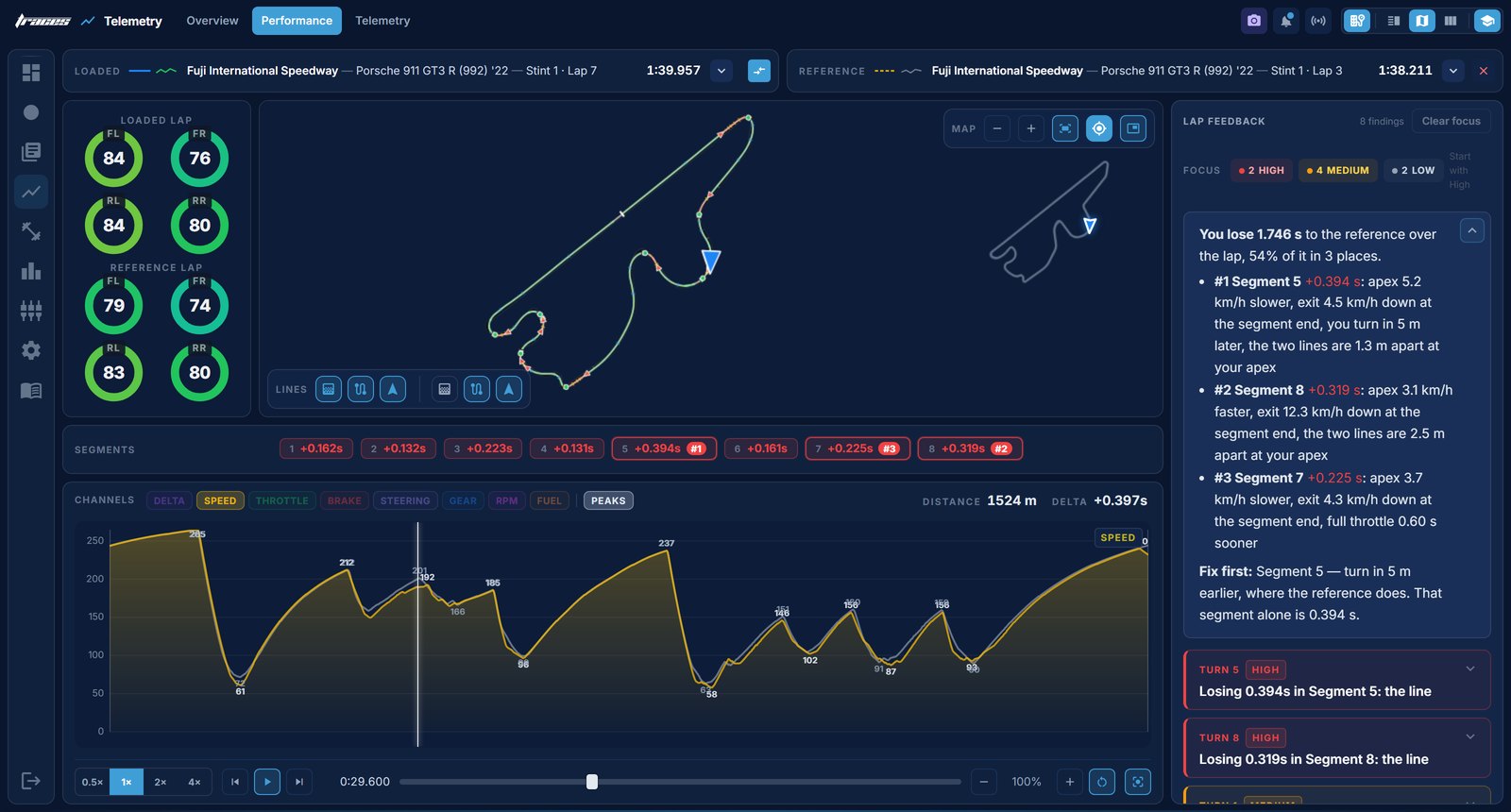 query_stats
See where the lap actually went
Beta Read morenorth_east RacerMarco!ask what pedals do you use? DigitBotFanatec Podium Pedals, fully metal. Faus€5.00for the tyres smart_toyYour live chat, handled while you race
In testing Read morenorth_eastOpen it and see.